

SlideLynk Blog
Tips, guides, and insights on presenting better — from setup tutorials to advanced techniques.
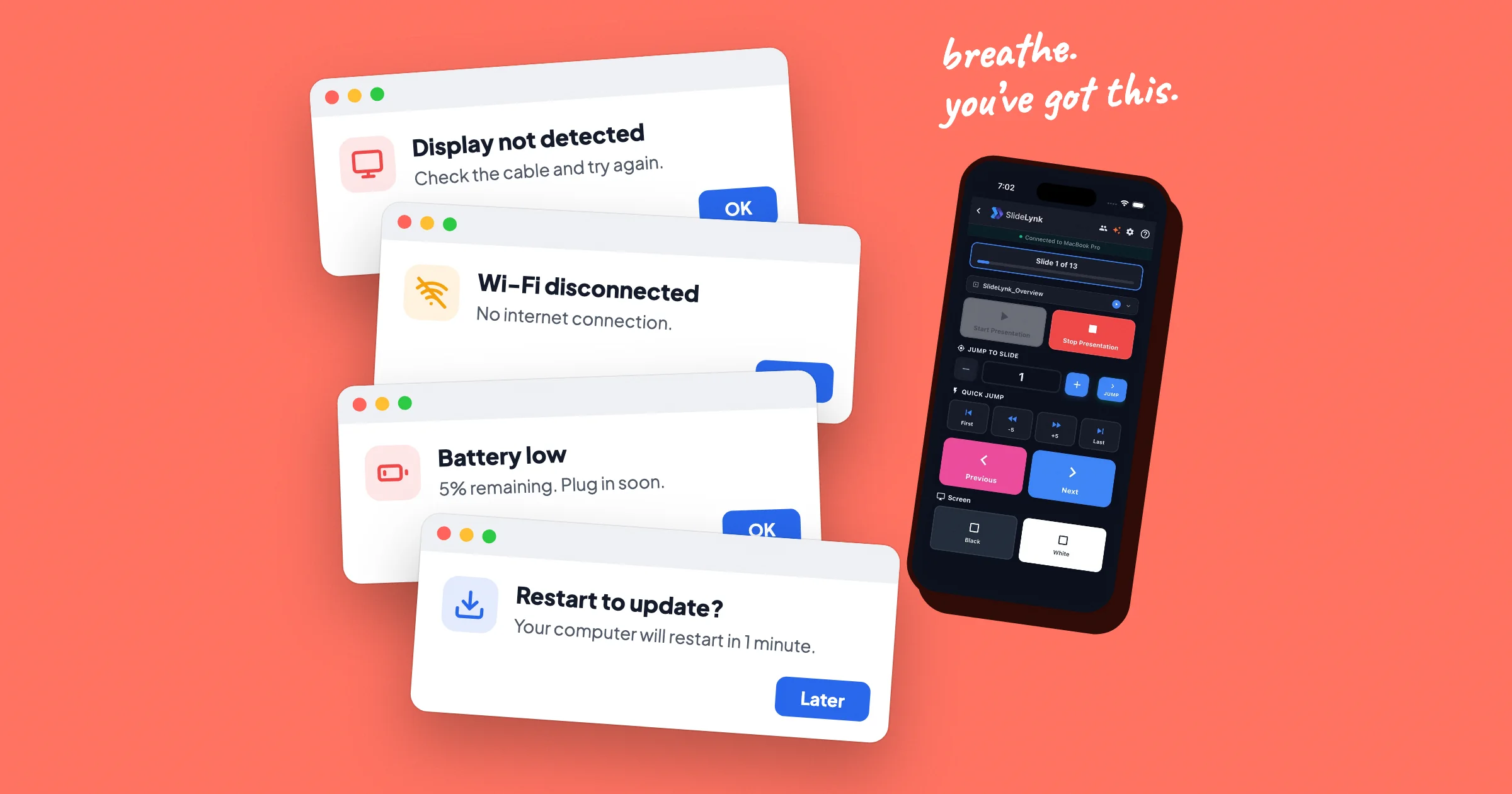
What to Do When Technology Fails During a Presentation (5-Minute Recovery Plan)
Forgot the clicker? Wi‑Fi down? Notes stuck on the laptop behind you? Here's what to do when technology fails during a presentation, in the moment and before you start.
Read article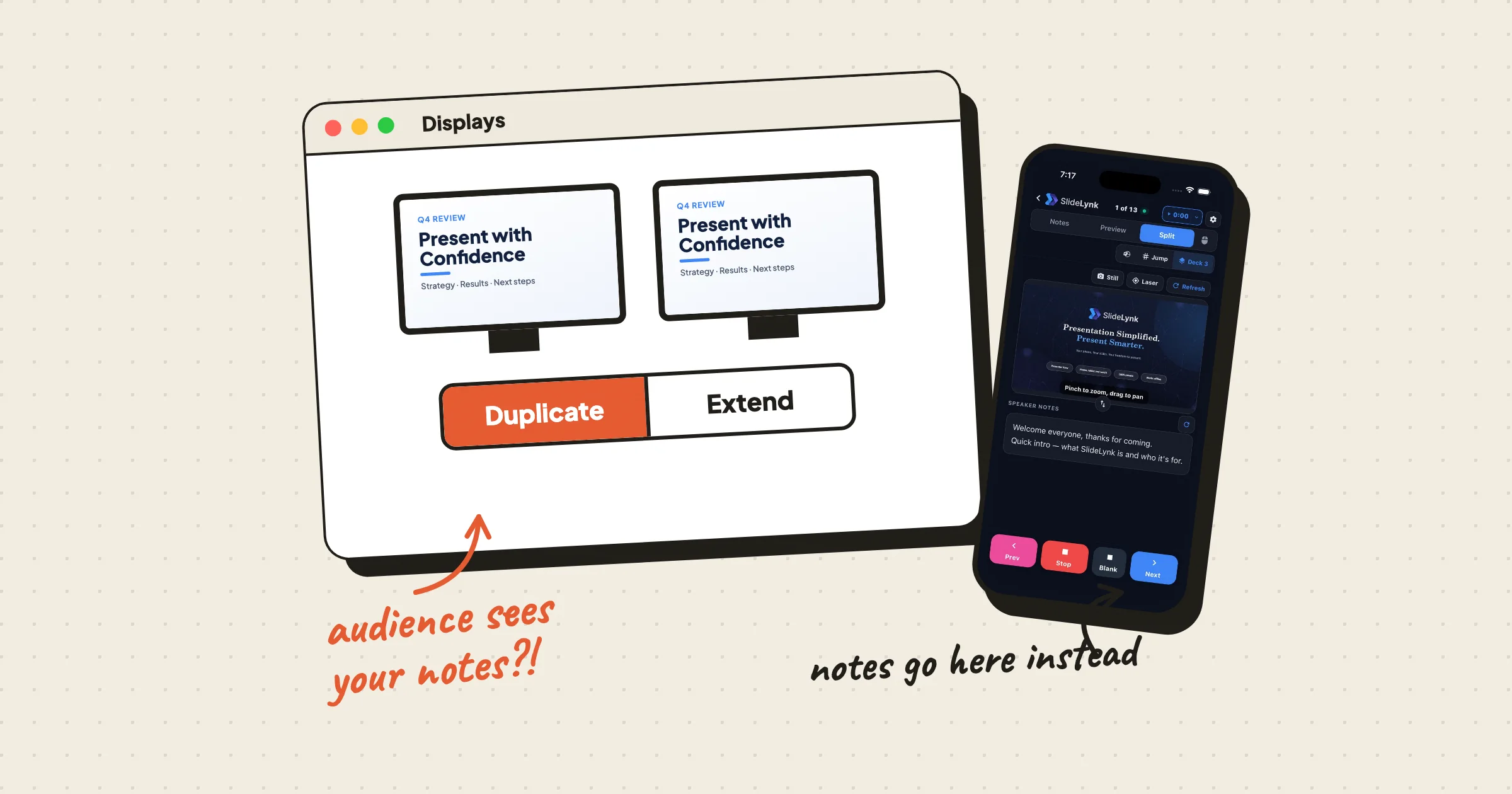
PowerPoint Presenter View With One Monitor: Every Fix That Works (2026)
Presenter View showing on the projector, greyed out, or impossible with one screen? Here's how to fix it on Windows and Mac, and how to see your notes privately when the room only gives you one display.
Read article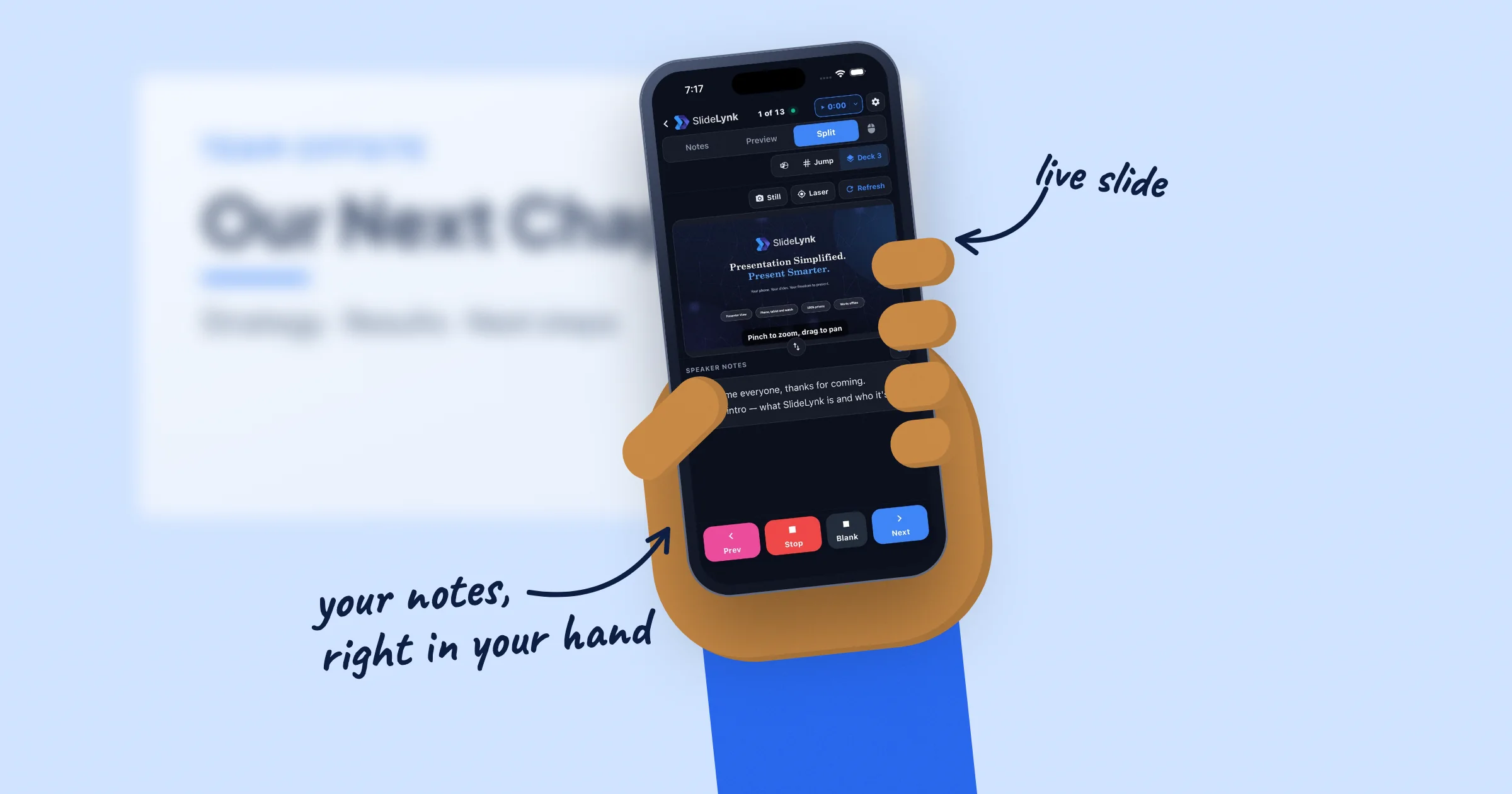
How to See Your Speaker Notes on Your Phone While Presenting (PowerPoint & Keynote)
Stop turning around to read your slides. Here's how to see your PowerPoint or Keynote speaker notes, a live slide preview, and the next slide on your phone while you present, over your own Wi-Fi.
Read article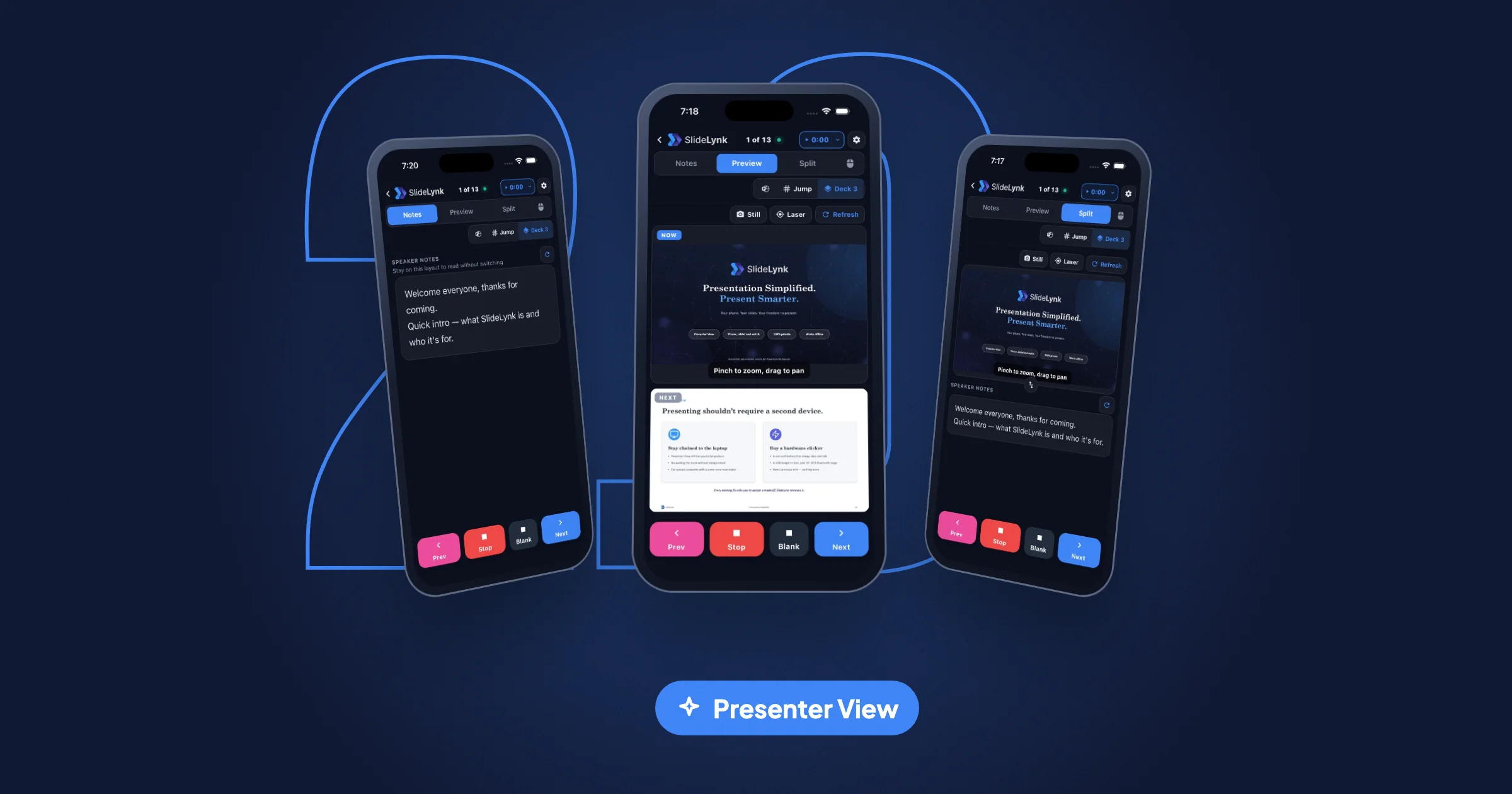
SlideLynk 2.0: Presenter View Is Here
SlideLynk 2.0 turns your phone into a full presenter console — speaker notes, live preview, laser, trackpad, and a timer — plus Pocket Mode and a new Premium plan.
Read article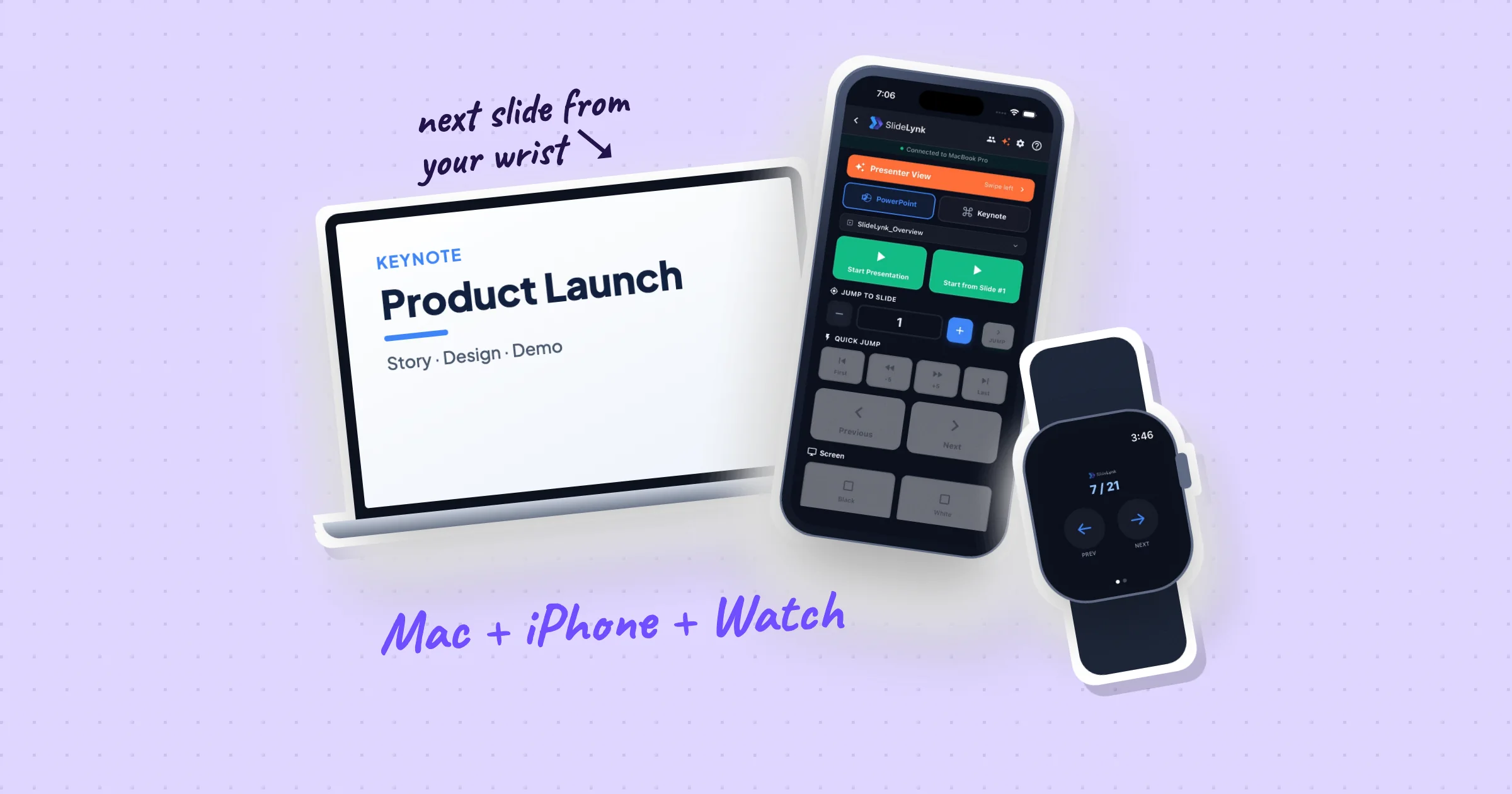
Best Keynote Remote App for Mac (2026 Guide + Setup Steps)
Control Keynote from your iPhone or Android phone on Mac. Compare clickers and Wi‑Fi remote apps — plus a step-by-step SlideLynk setup.
Read article
Best Free Presentation Remote Apps in 2026 (No Hardware Required)
Compare the best free presentation remote apps for PowerPoint & Keynote — clickers, phone remotes, and watch control. Honest 2026 guide with setup steps, free vs Pro tiers, and when SlideLynk wins.
Read article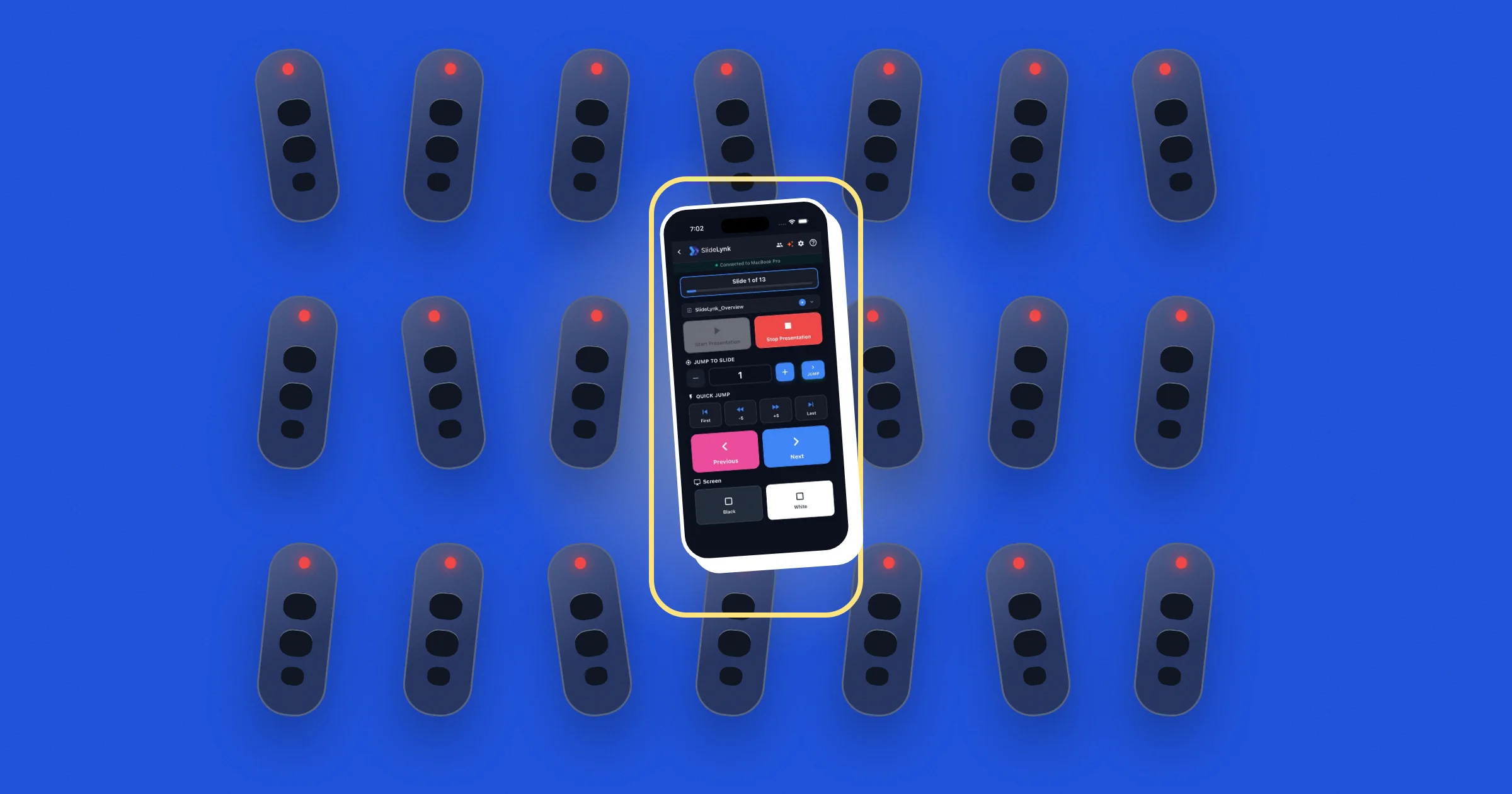
Presentation Clicker vs Phone App (2026): Which One Actually Wins?
Clicker vs phone app in 2026: range, reliability, cost, Apple Watch & Android Watch control, and when a phone remote like SlideLynk beats a $50 clicker. Honest comparison + setup guide.
Read article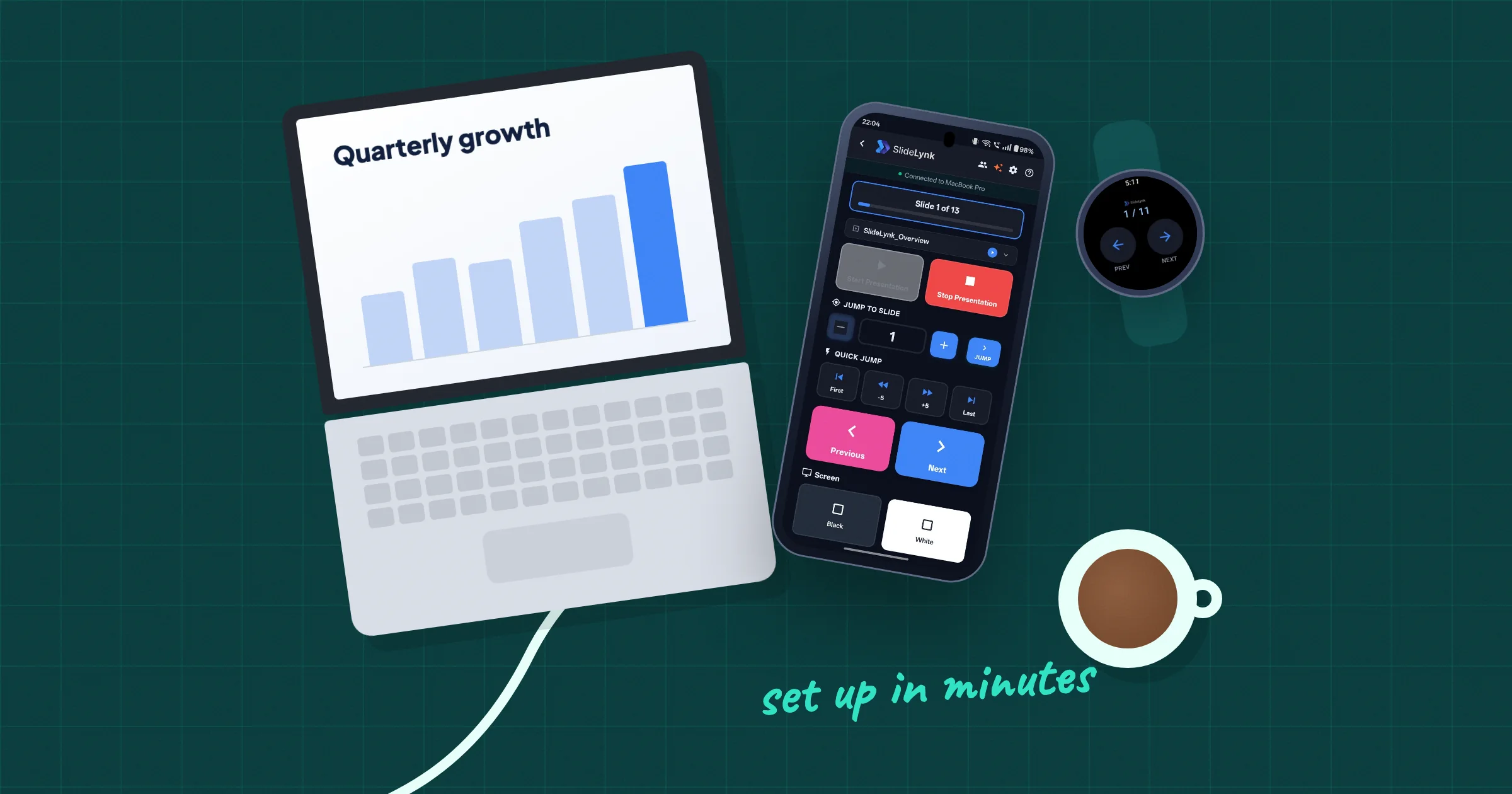
Best PowerPoint Remote App for Android (And How to Set It Up in Minutes)
Looking for a PowerPoint remote app on Android? Compare your options and follow a step-by-step setup guide using SlideLynk.
Read article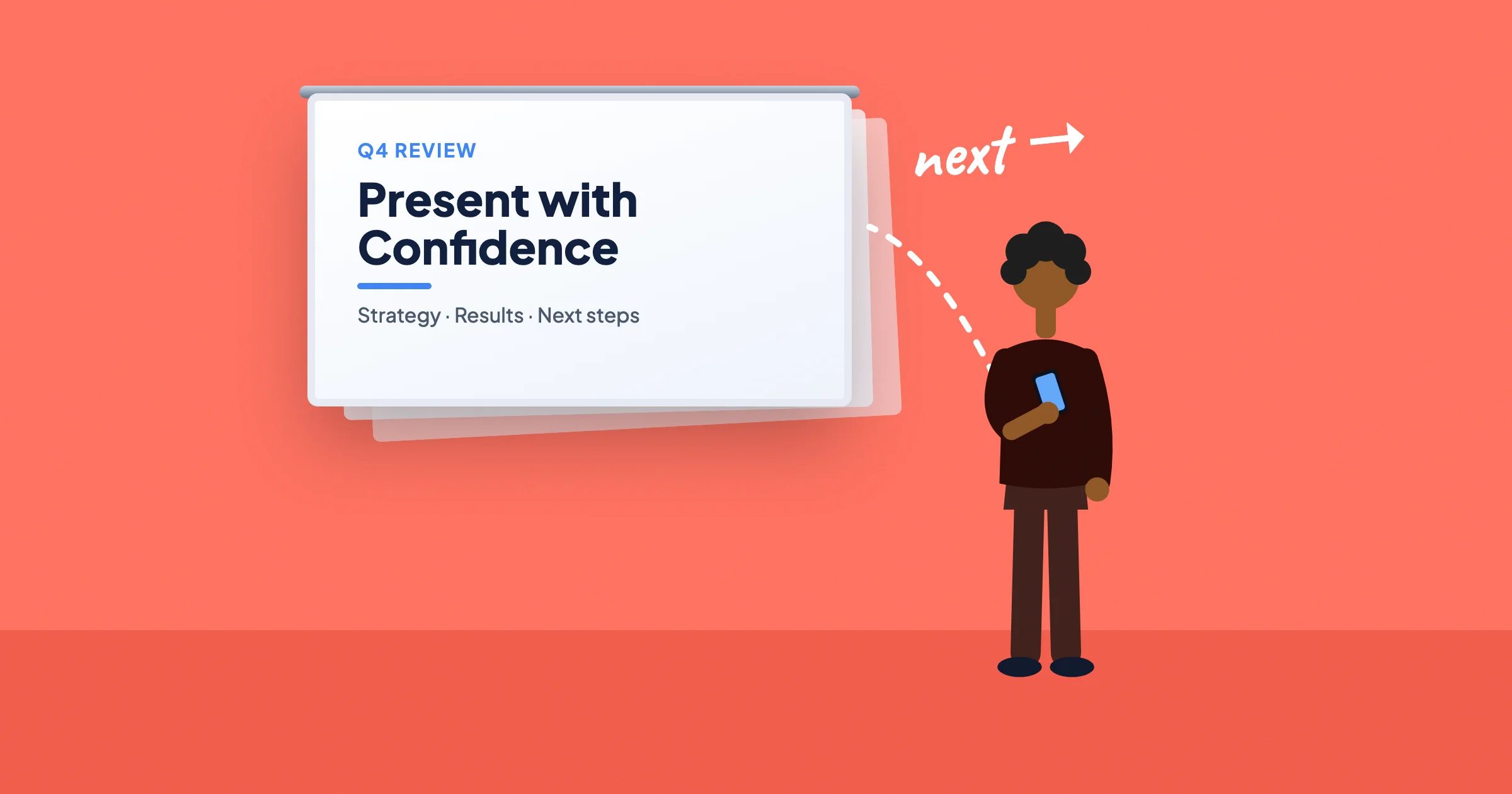
How to Control PowerPoint From Your Phone (Step-by-Step Guide for 2026)
Learn the best ways to control PowerPoint from your phone or watch: clickers, Wi-Fi remotes, and the simple QR setup of SlideLynk. Includes a step-by-step walkthrough of modern remote features like Android Watch support and volume button control.
Read article